Take it out · aftererg Plus
One row, one plan or the whole library.
Export a saved row, a plan with every row it references, or a complete library backup. The versioned file reads back into another copy of aftererg.
 aftererg
Get the app
aftererg
Get the app
Features
This is the full aftererg loop: programme a session, send it to a compatible PM5, capture the work, read it against your own rowing history and row again to track changes.
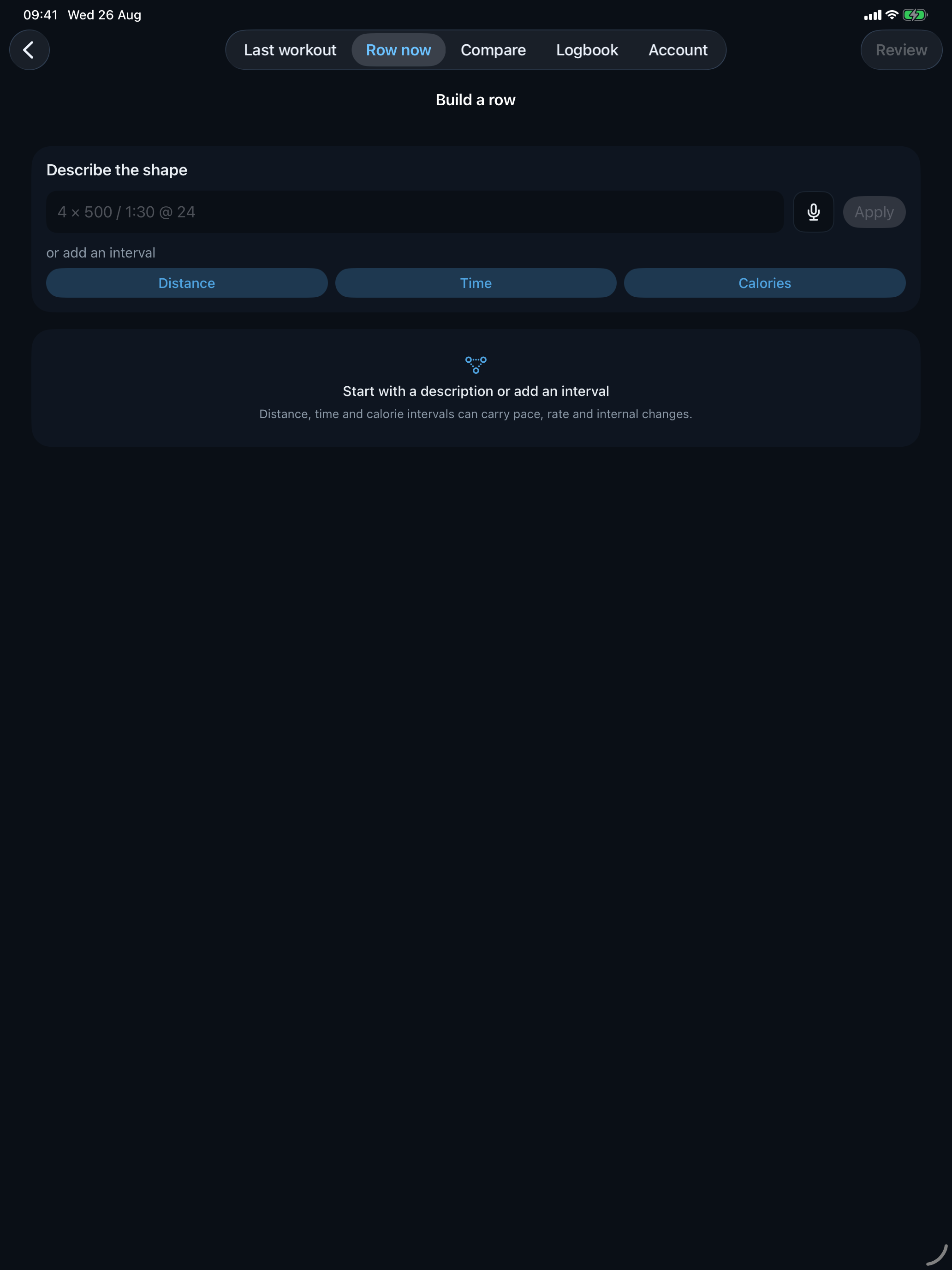
Programme a row
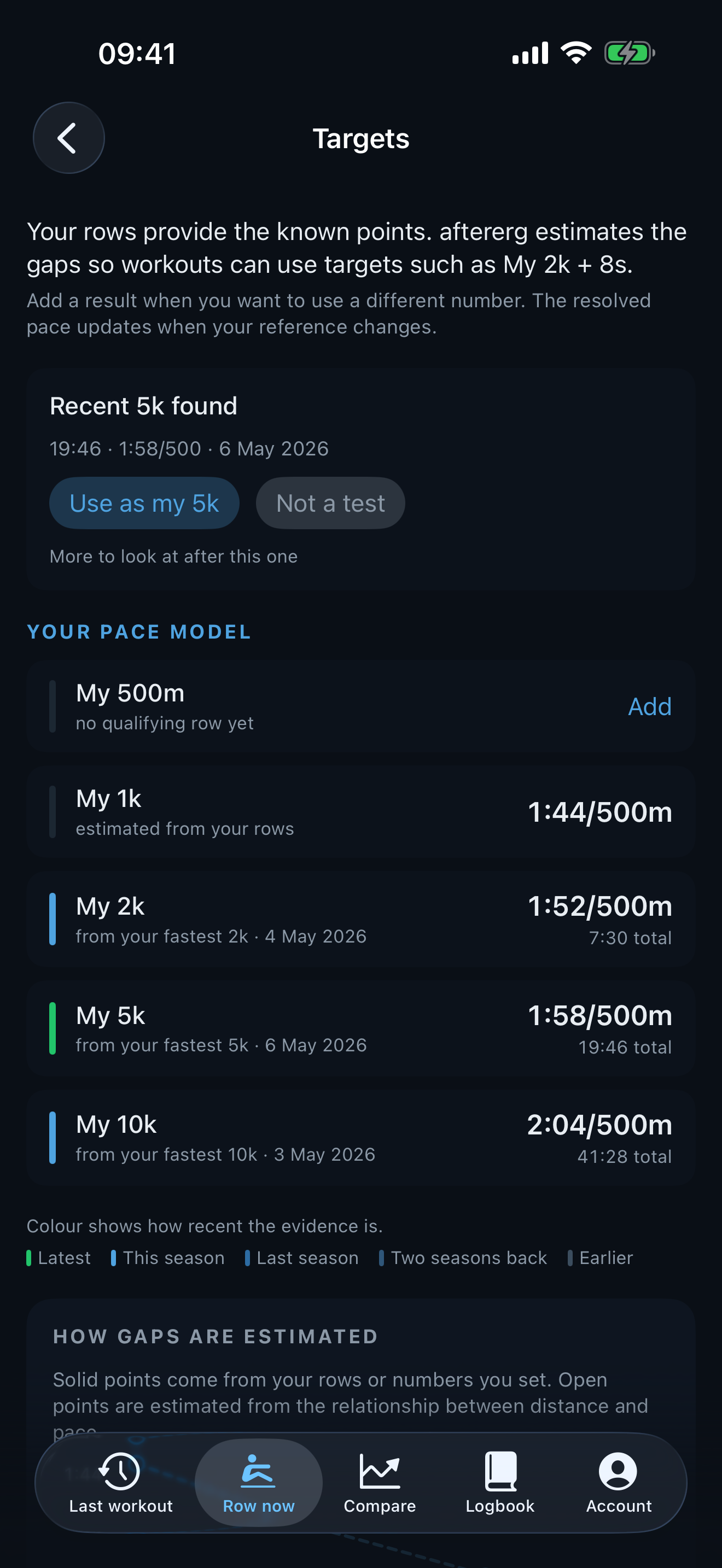
Start with plain language, use voice entry, or set out the structure by hand. Distance, time and calorie pieces can carry rests; fixed, variable and descending intervals keep their shape.
The library · aftererg Plus
A saved row can stand alone or appear in several named Plans. Plans reference the row rather than making copies, so a warm-up or regular session can sit wherever it belongs.
The library lives as local files on your device. There is no separate library account or cloud sync.
Take it out · aftererg Plus
Export a saved row, a plan with every row it references, or a complete library backup. The versioned file reads back into another copy of aftererg.
Bring it in
Open a file from the system picker and inspect it first. A file with duplicate IDs, missing plan references or excessive size is rejected before anything is written. Multi-item library import is part of aftererg Plus.
Plans can be saved and shared
Workout and plan files travel through AirDrop, Messages, Mail or a shared folder. Tap one and iOS offers to open it in aftererg. Every session, target and author note is visible in the free preview. Saving and following the plan is part of aftererg Plus.
Heart rate
aftererg does not pair directly with a heart-rate strap. The strap talks to the PM5, or the companion Watch app sends a live reading to your iPhone (which can then broadcast to the PM5).
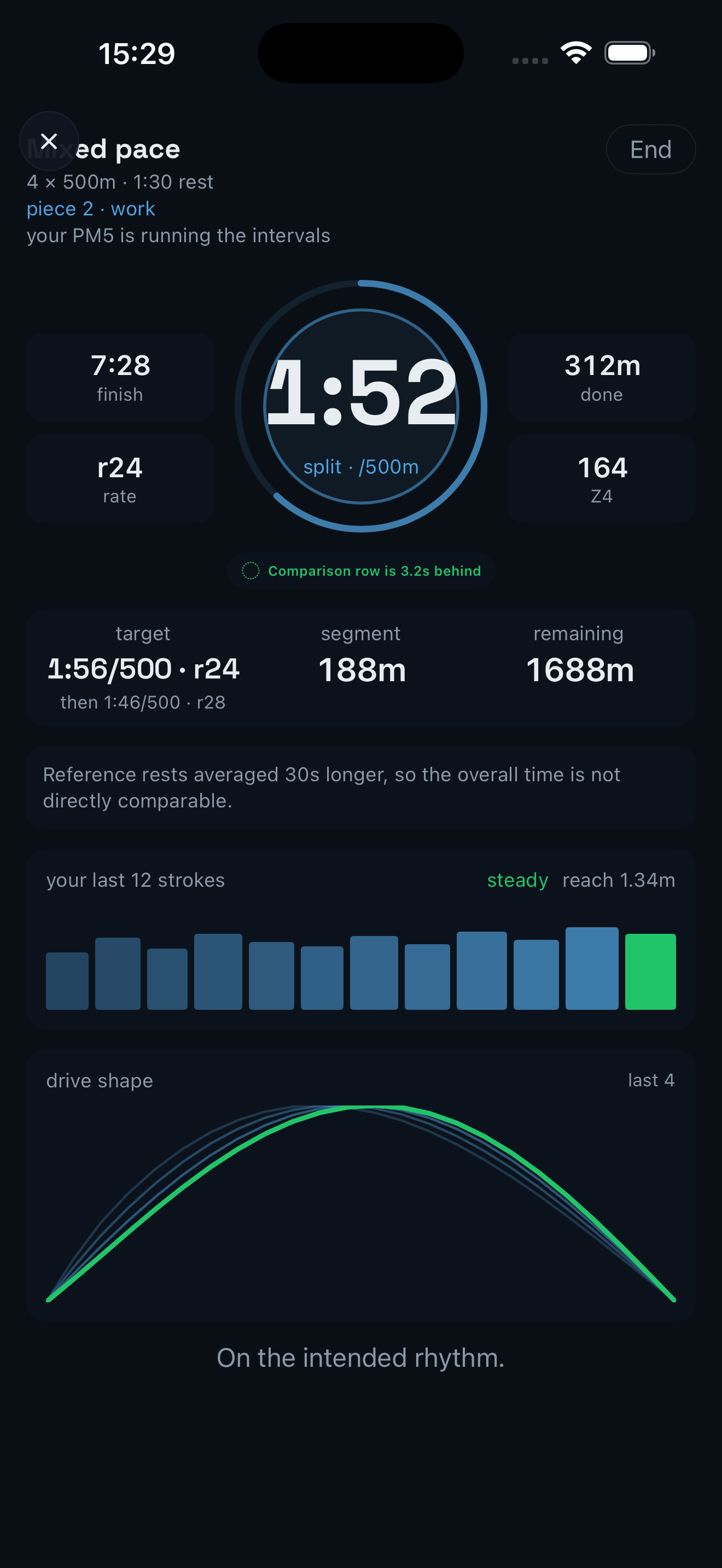
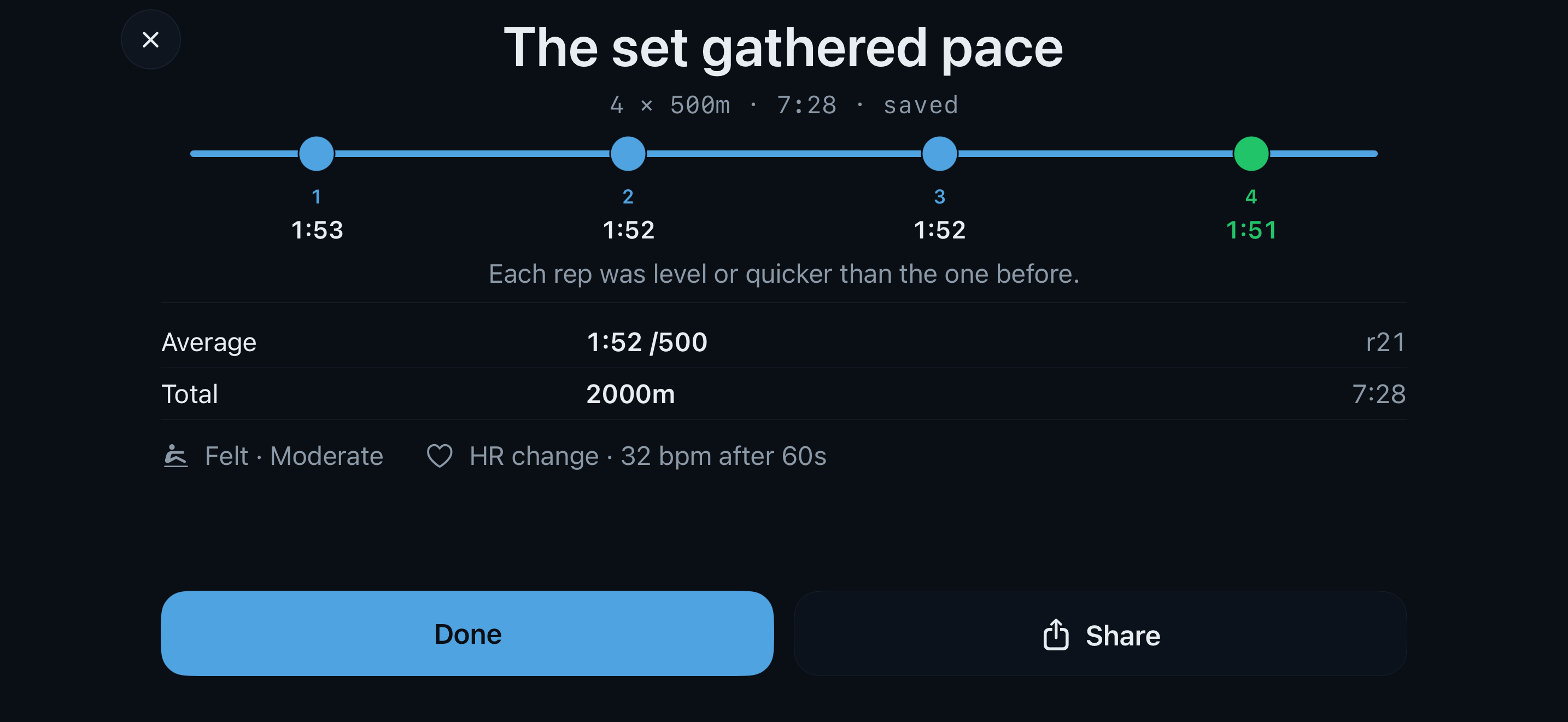
Both routes show live bpm and feed the post-row heart-rate evidence: zones from your max HR, plus per-interval range, average and finish HR. Capturing on iPad with Watch heart rate uses the experimental second-device route.
Live rowing
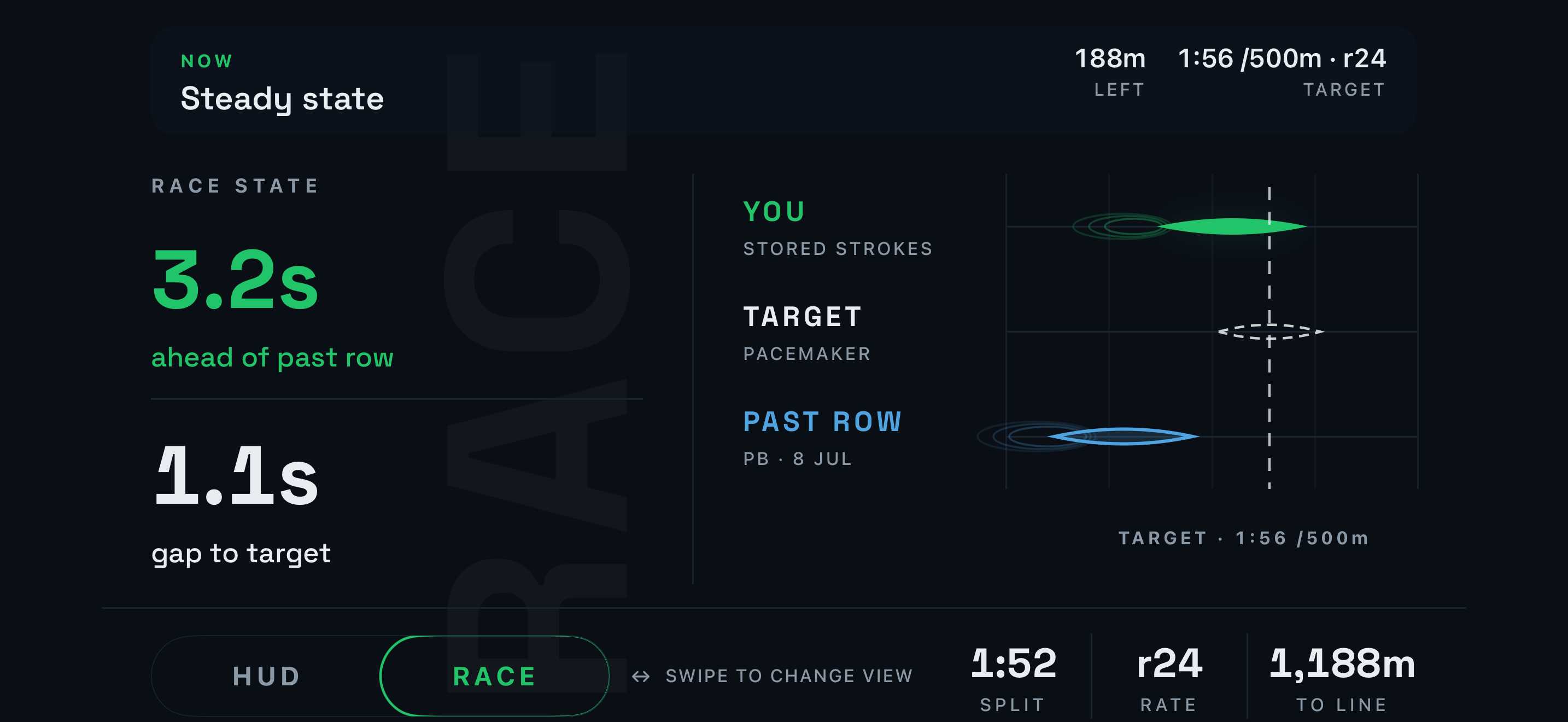
Interval progress, pace, rate, heart rate, recent force curves and an efficiency map stay in view. aftererg Plus adds the live ghost and race mode, drawn from the rower’s own history.
Read the row
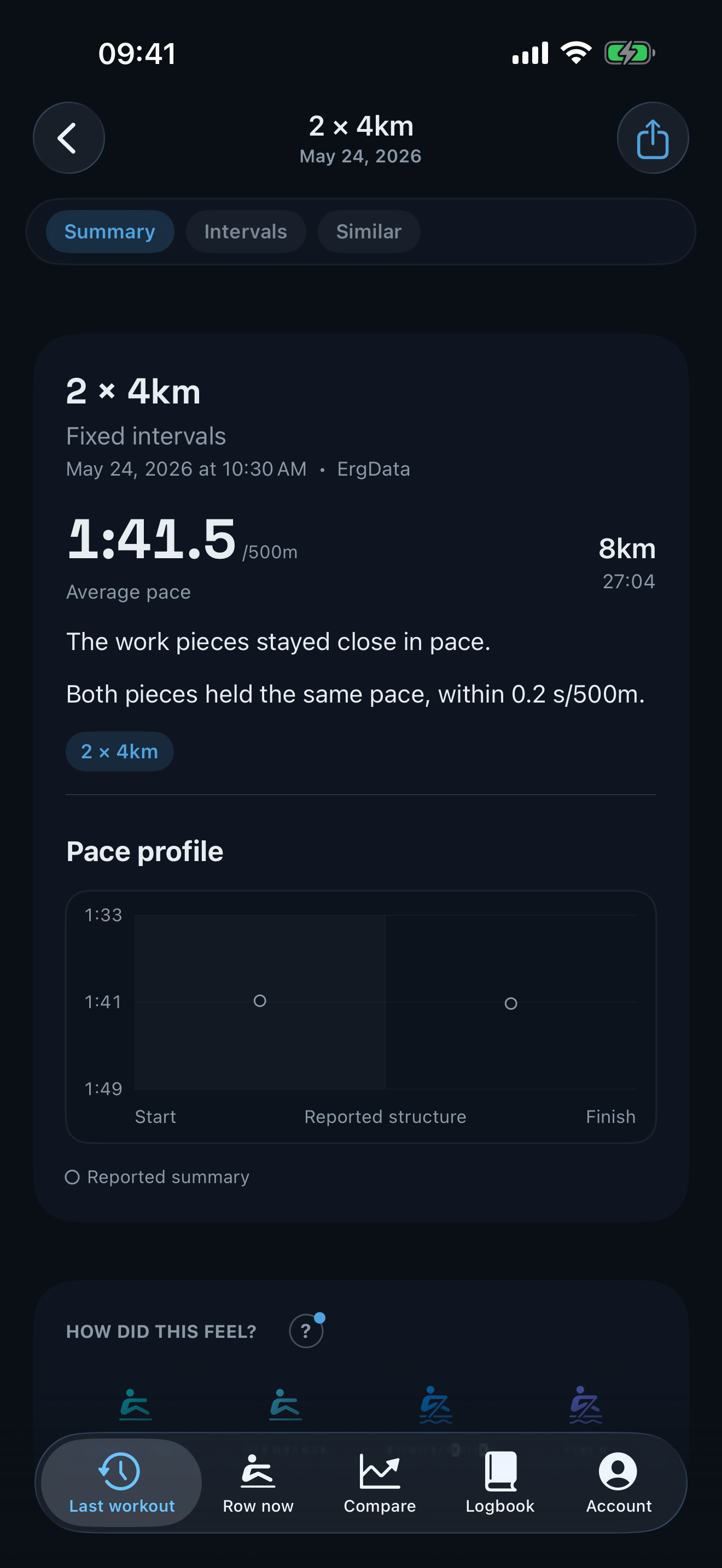
The temporal pace profile preserves the recorded clock. It separates work and recovery, shows stroke detail where the source provides it and leaves visible gaps where it does not.
Add your perception
Record perceived effort after a row and revisit it beside pace, rate, heart rate and stroke evidence. The comparison stays descriptive rather than turning the session into a score.
Your history · aftererg Plus
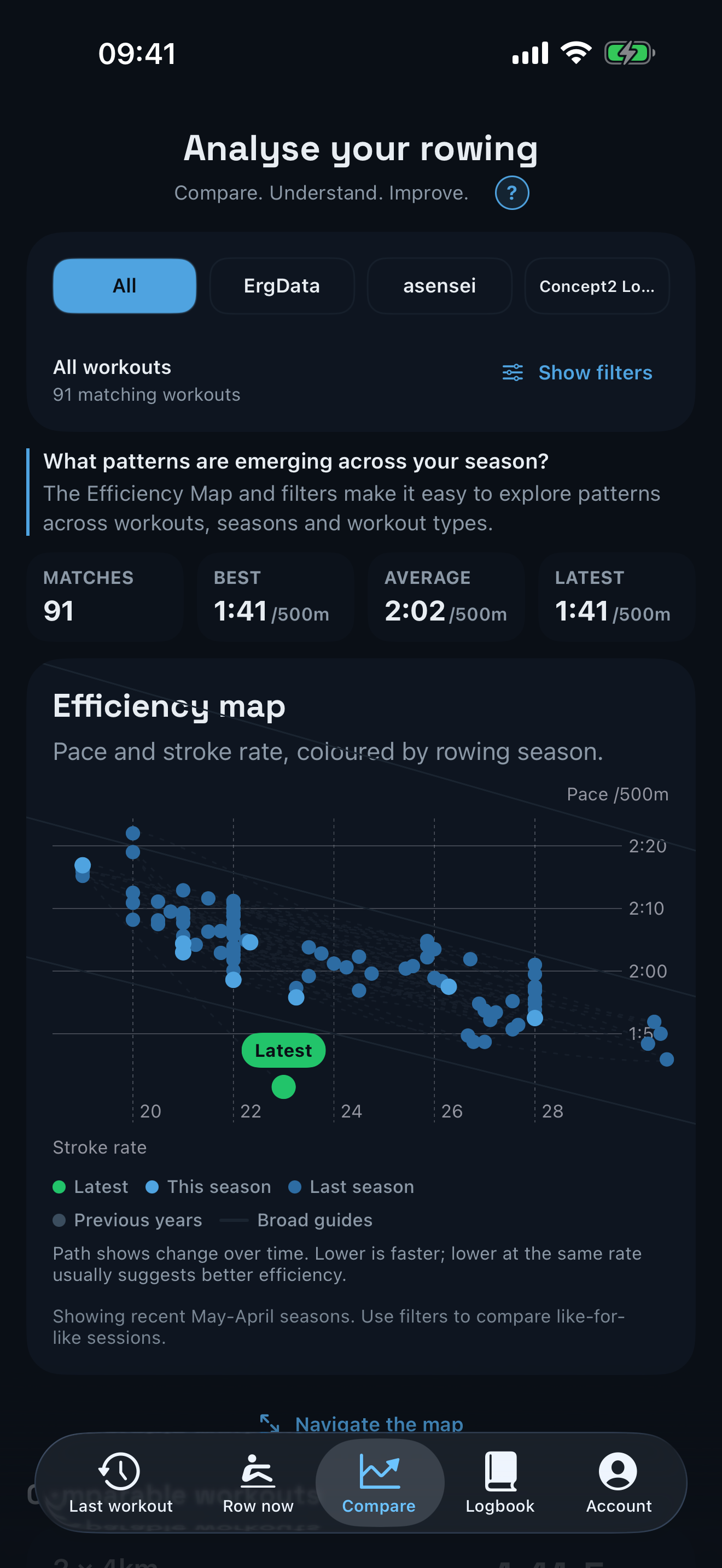
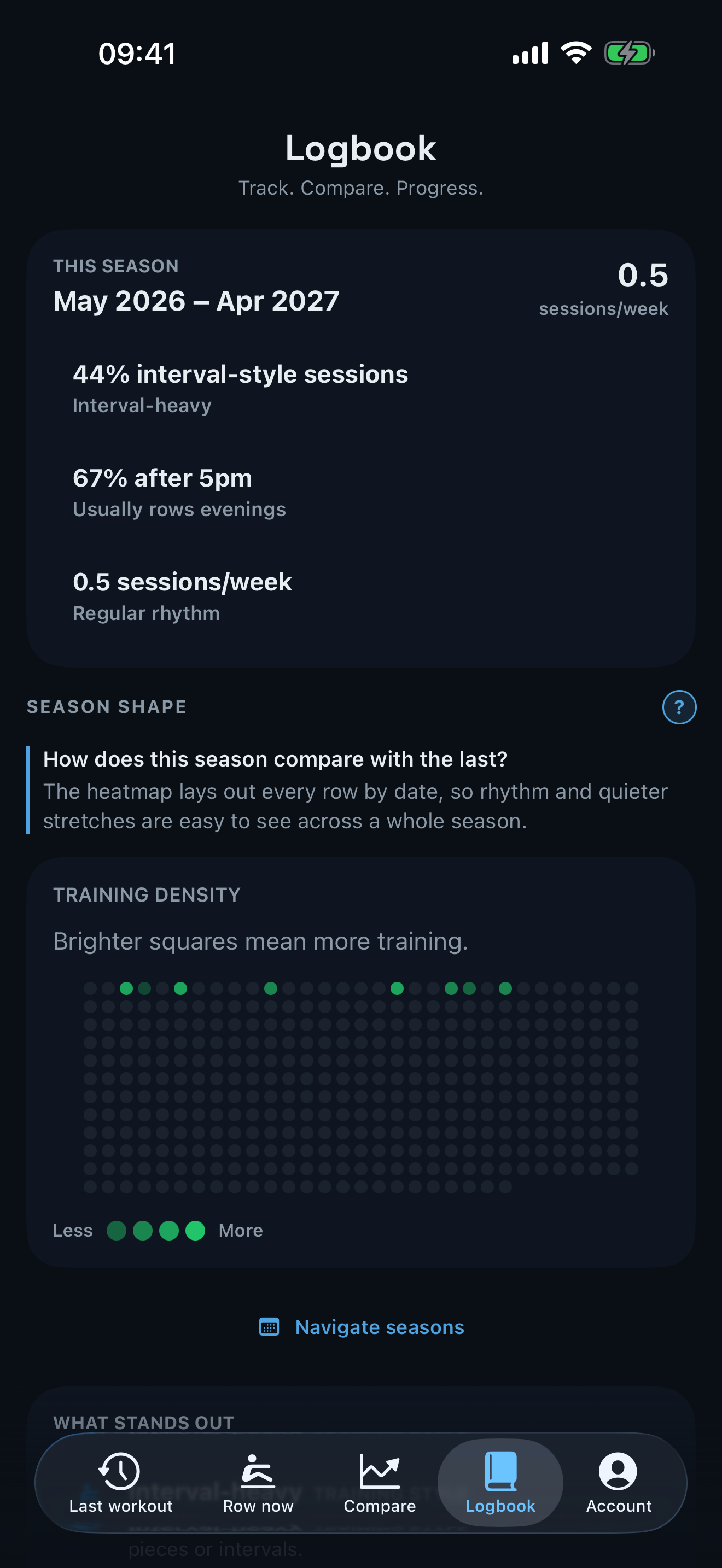
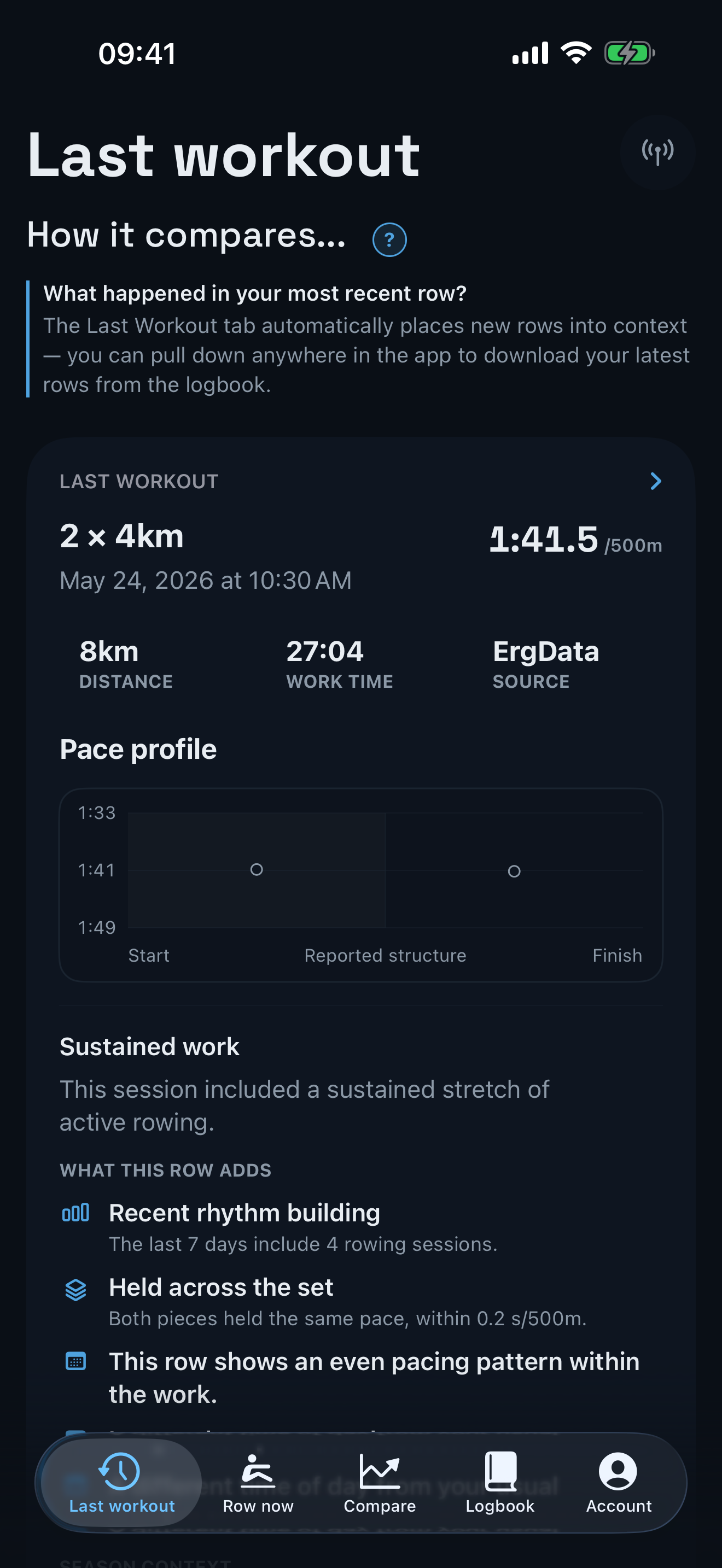
The season heatmap shows rhythm across time. The efficiency map, comparable-session groups and Last Workout view offer other routes back into the same personal history.
Your Concept2 account
Connect the Concept2 Logbook to download rowing history. Pull down in aftererg to fetch the latest rows, including sessions recorded through ErgData.
Turn it on to send each confirmed aftererg capture to the Logbook. Turning it off leaves every existing row unchanged, and aftererg never rewrites Logbook history. A single click can reconcile things and add all aftererg rows to your logbook at any time, wh ile avoiding duplicates.
aftererg Free and aftererg Plus
aftererg Free keeps the factual record and latest-row loop open. aftererg Plus adds longitudinal comparison, seasons, reusable workouts, plans and detailed authoring in one membership.
| Capability | aftererg Free | aftererg Plus |
|---|---|---|
| Whole Logbook and every row in full | Included | Included |
| Local PM5 capture | Included | Included |
| Suggested row each day | Included | Included |
| Replay the latest row on the PM5 | Included | Included |
| Preview a received plan | Included | Included |
| Like-for-like comparison, season and year views | — | Included |
| Row Again on any row, live ghost and race mode | — | Included |
| Saved-row library and follow a plan | — | Included |
| Internal segments, bursts and per-piece targets | — | Included |
| Multi-item library import | — | Included |
aftererg Plus is £4.99 monthly or £39.99 annually. Founder is £69.99 once and is available until 31 January 2027.
Compete against yourself