Observed work stays observed
Stroke-level data becomes a field of real pace moments rather than an invented smooth line.
 aftererg
Get the app
aftererg
Get the app
Indoor rowing, remembered stroke by stroke
Programme Concept2 workouts, capture live PM5 data and understand every row in the context of your own history.
One rowing loop
aftererg keeps intent, execution and history together, without turning your training into a score. It lets you focus on your performance without comparing yourself with others. Your history and intent provide the context and competition.
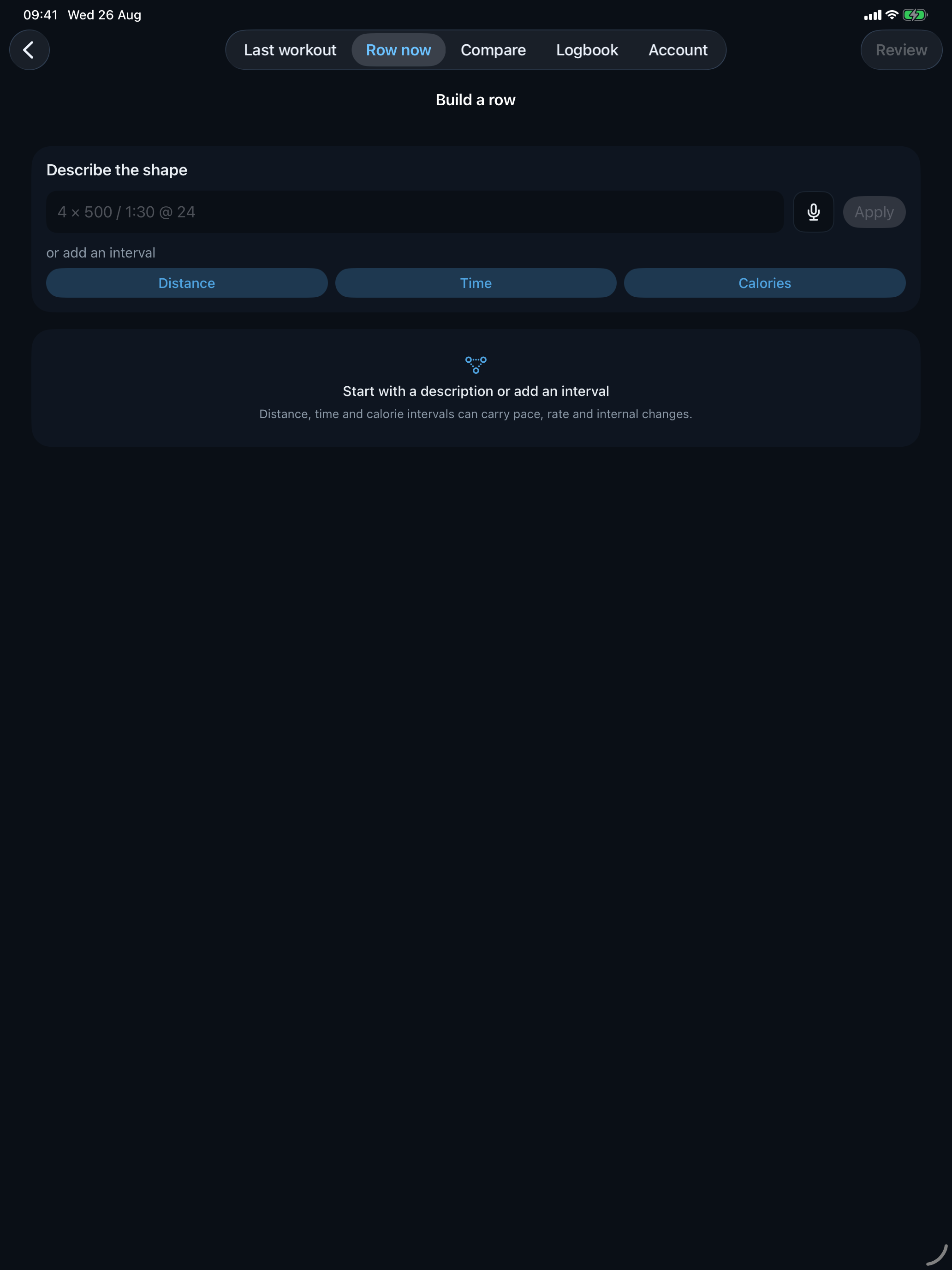
Describe a session, use voice entry or build every interval by hand.
Connect to the PM5 and keep pace, rate, heart rate and drive shape in view.
Read the shape of the effort, its intervals, recovery and stroke-level evidence.
Turn any past row into a programme and row with your own history beside you.
Programme your row
Build distance, time or calorie sessions with rests, pace and rate targets. Add internal segments with targets and Power 10s when the detail matters.
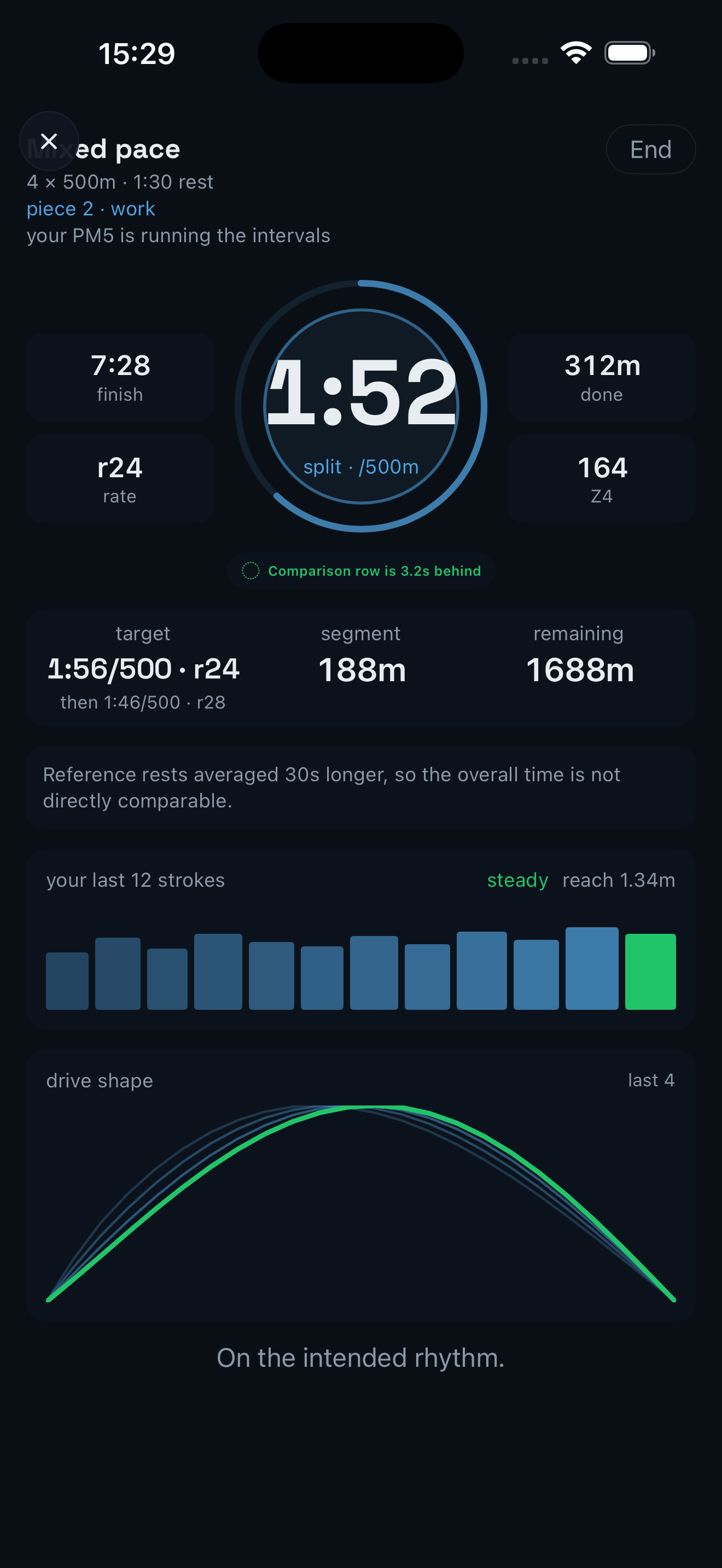
Row live
Connect over Bluetooth, send compatible workouts to the PM5 and row with the right information at the right moment.
The new pace profile
The temporal pace profile keeps the recorded clock, separates recovery and places the current row against a like-for-like blue ghost.
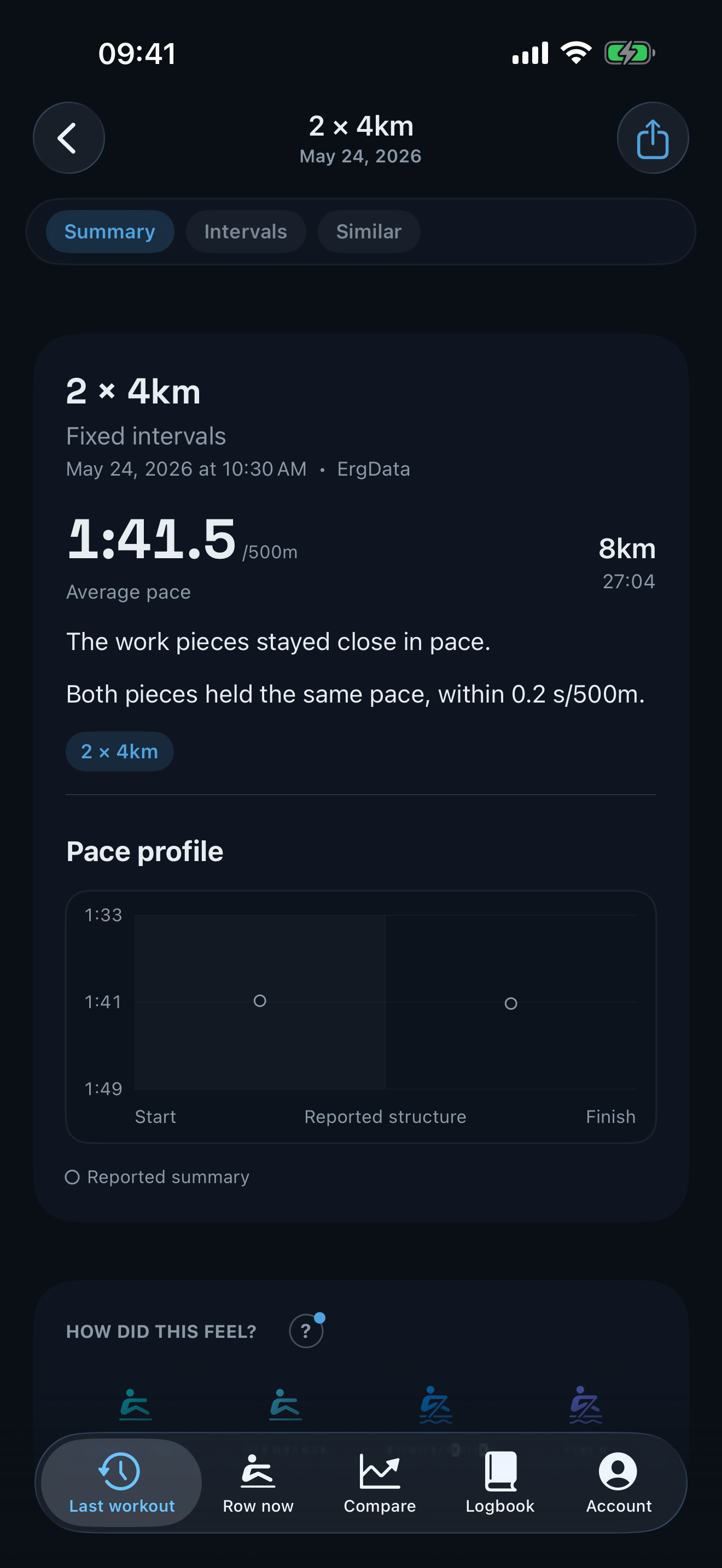
Stroke-level data becomes a field of real pace moments rather than an invented smooth line.
Comparable sessions sit on the same represented clock, making pacing and finishing shape easy to read.
Sources do not all record the same evidence. Gaps, recovery and partial tails stay honest.
Navigate your history
Downloaded rows and local captures become one explorable history, with several ways to find the session that matters.
Move from training rhythm to a day and then into the rows behind it.
Explore pace against rate, select a point and open the workout it represents.
Group rows by distance, structure and workout identity so like stays with like.
See the latest effort in recent and seasonal context as soon as it lands.
Built around real rowing data
A local capture can carry every stroke. A downloaded Logbook result may contain detailed telemetry, interval summaries or only totals. aftererg uses the strongest available evidence without pretending every source is identical.
Choose your depth
aftererg is free to download, with two optional levels for deeper comparison and programming.
Free
Repeat
Refine
Repeat and Refine are available monthly or annually through the App Store.
Private by design
aftererg reads workouts with your permission. It writes a finished capture only when you turn on auto-save, which is off by default, and never rewrites rows already in your Logbook.
Rows captured by aftererg appear immediately and remain useful before any network round trip.
Your analysis remains private unless you choose to create and share something from the app.
Questions
Yes. A compatible PM5 can connect over Bluetooth for live capture and workout programming. You can also use the app with downloaded Logbook history.
Yes. aftererg reads workouts with your permission. It writes a finished capture only when you turn on auto-save, which is off by default, and it never rewrites rows already in your Logbook.
It takes a different role. aftererg brings programming, local capture, comparison and reflection together. Rows already recorded by ErgData can still arrive through your Concept2 Logbook.
Distance, time and calorie pieces; fixed and variable intervals; recovery; pace and rate targets. Refine adds internal segments, bursts and per-piece editing.
aftererg is a personal evidence layer. It describes your own rowing history and comparisons without population rankings or prescriptive coaching claims.
Yes. The app adapts the live rowing and history experience for iPhone and iPad.
Yes. Export a workout or plan file and send it through AirDrop, Messages, Mail or a shared folder. The recipient can open and read every session, target and note for free. Saving and following a plan is part of Repeat.
Yes. Export one saved row, a plan with its rows, or the whole library as a versioned file that another copy of aftererg can read.
Pair a strap with the PM5 and the monitor passes its reading to aftererg, or start the aftererg Apple Watch app and send heart rate to your iPhone. aftererg does not pair directly with a strap.
No. A strap paired with the PM5 works, and live capture works without heart rate. The Apple Watch app is another route for rowers who prefer it.
Only when you turn on auto-save. It is off by default. When enabled, it sends each confirmed capture; it never rewrites rows already in your Logbook.
No. The iPhone and iPad app does not read from or write to Apple Health. The companion Watch app reads heart rate during an active rowing session and relays the current reading to aftererg.
No. You can programme workouts and capture a row directly from a PM5 without a Concept2 account. Connect the Logbook when you want downloaded history or optional auto-save.
Free covers the Logbook browser, local PM5 capture, recent context and simple programming. Repeat adds deeper history, Row Again, ghosts and the saved-row library. Refine adds detailed workout authoring and multi-item library import. See the full tier table.
On your device as local files. The saved workout library has no separate account or cloud sync, so exporting the whole library creates a useful backup.
Your rowing, understood